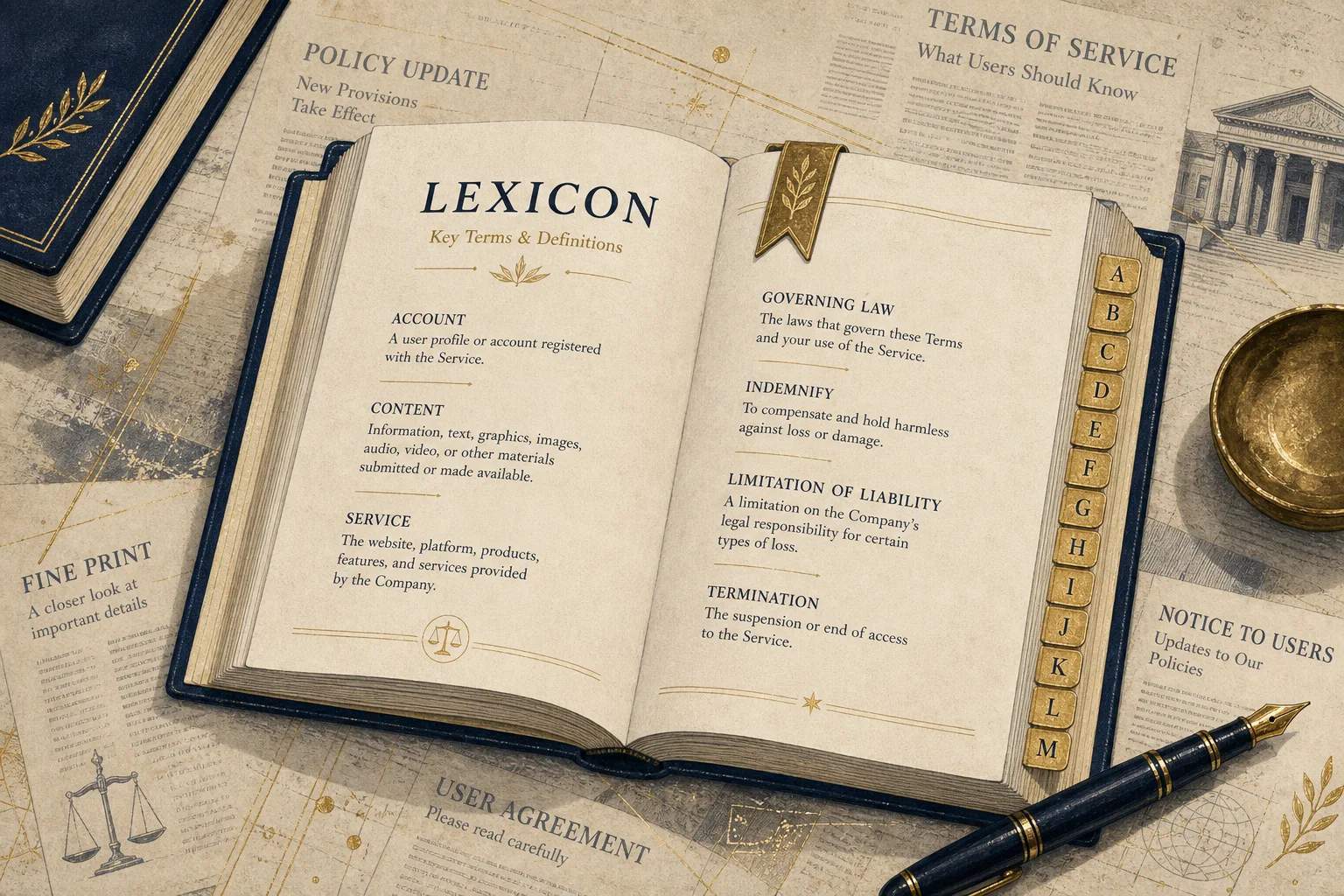
Policy jargon stays opaque
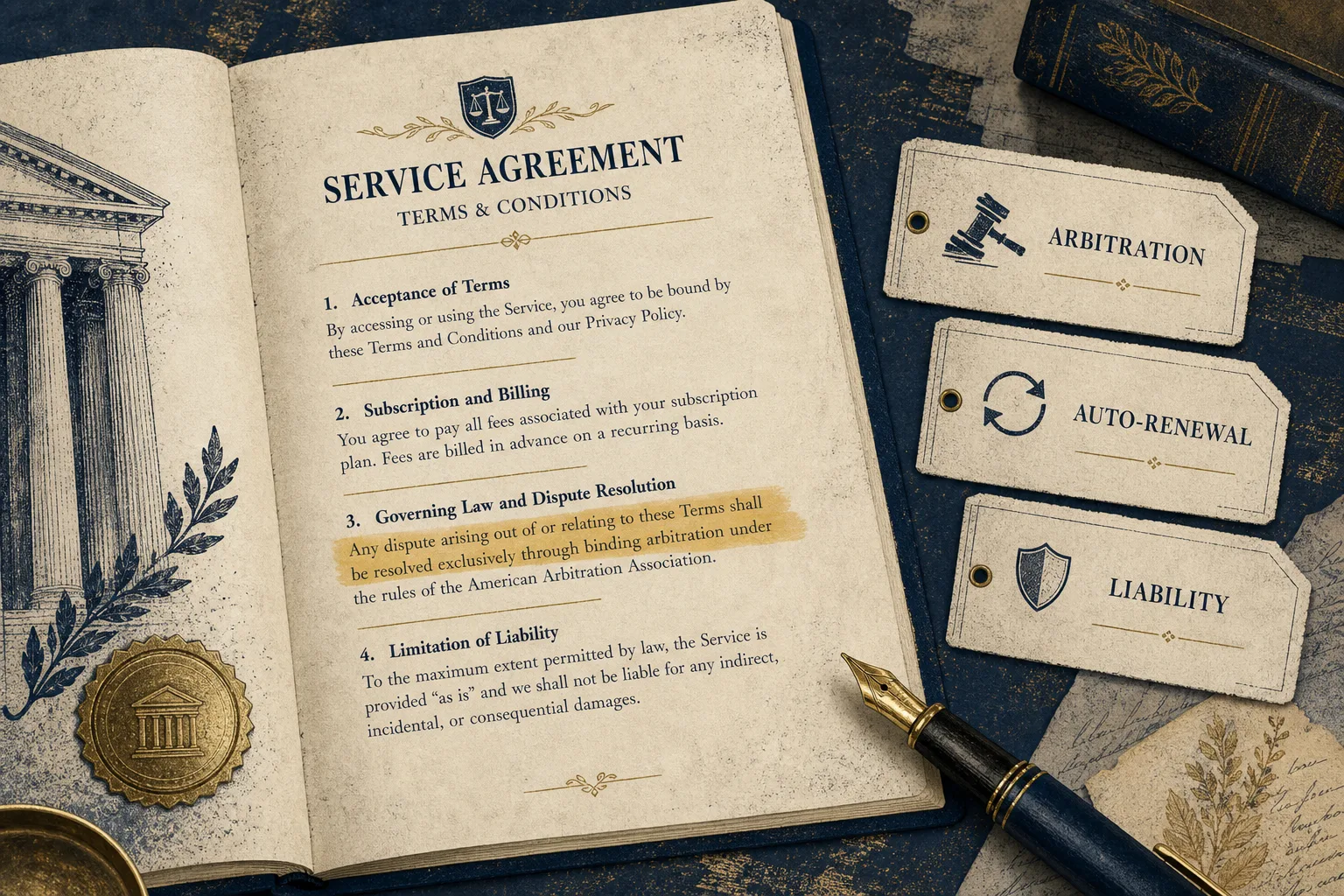
Mandatory arbitration. Auto-renewal. Liability caps. Broad content licenses. The same clause types show up again and again in privacy policies and terms of service, wrapped in language that makes them easy to skim past. For a short starter set, see /blog/three-clauses-that-usually-matter.
You should not need a law degree to recognize the pattern. When a review flags a concern, the useful next step is often simple: what kind of clause is this, why does it matter, and where else have we seen it?
What we shipped
Verbaterm now has a policy clause glossary at /glossary. Each entry covers a common clause type—for example /glossary/arbitration, /glossary/auto-renewal, /glossary/unilateral-amendment, and /glossary/data-sale-sharing—plus class-action waivers, liability caps, content licenses, indemnification, governing law, account termination, warranty disclaimers, and unilateral price changes.
Open a clause page and you get a plain-English definition, why it matters, what to look for in the source text, how often it appears across published reviews, and example excerpts that link into the library. Category hubs such as /policies/categories/streaming link back to related glossary terms. The pages are informational only. They are not legal advice.
How it shows up in a review
On public and private reviews, matching findings get quiet glossary chips. Click a chip and the glossary opens in a new tab so the review stays put.
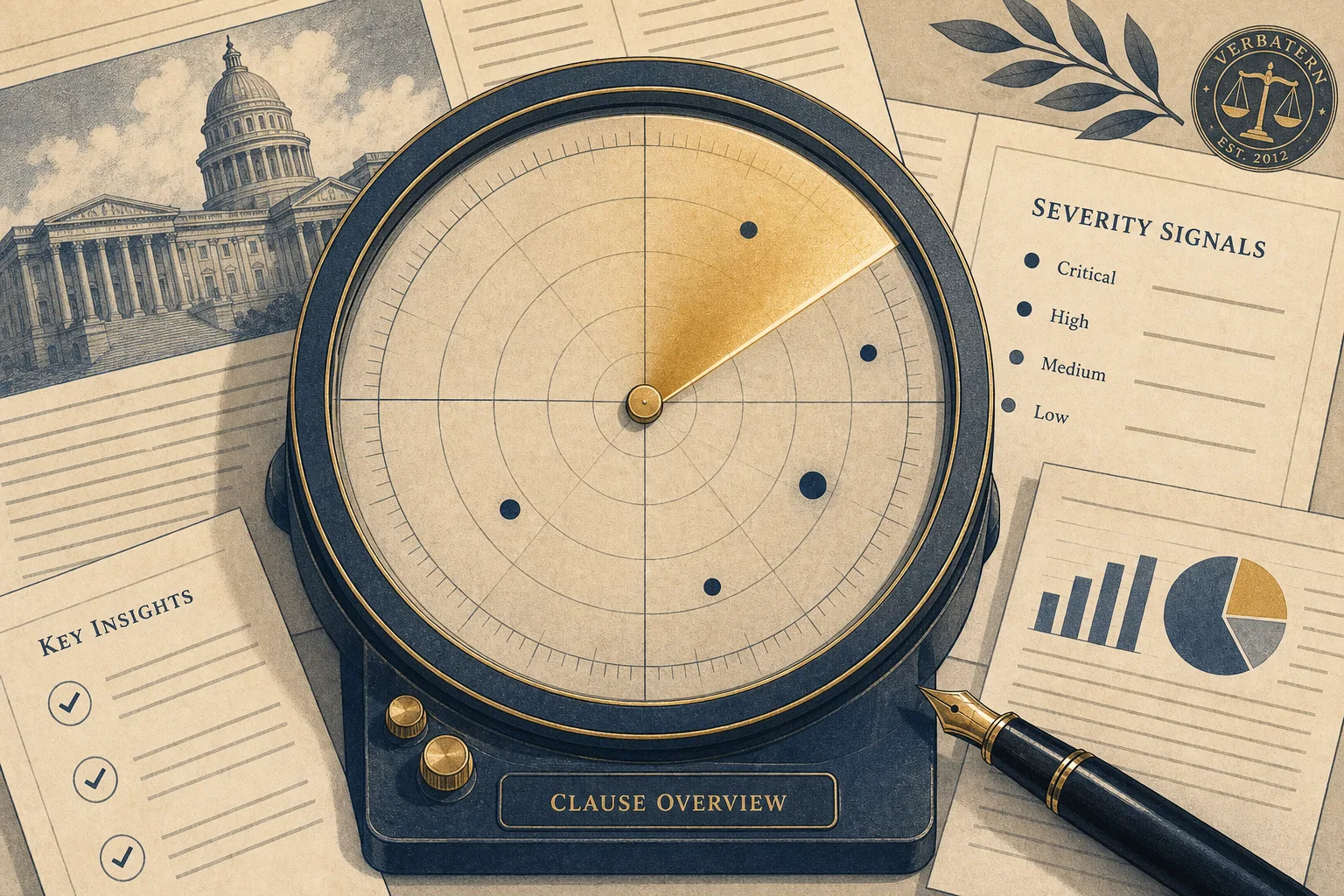
Clause radar pulls those matches into one overview for the current review: a sticky rail on wide screens, a compact list above findings on narrower ones. Each row jumps to the matched findings and deep-links to the glossary term. Hover or focus a clause name and you get a short live definition preview, enough to orient yourself without breaking your place.
How matching works (and what it is not)
Matching uses a deterministic keyword classifier over finding titles and summaries. It does not change the AI review contract. Only visible, citation-backed concern findings feed the chips and the radar. Hidden or uncited model claims stay out of both. The citation bar is the same one described at /blog/got-receipts.
That keeps the glossary honest: it names patterns we already showed you with a source excerpt. It does not invent new findings, raise severity, or polish a company score.
What to do next
Browse the glossary, open a review you already know, and use the radar to skim which clause types showed up. If a term is unfamiliar, hover for the short definition or open the full entry for examples from the library.
Or check your own policy: paste the text, get cited findings, and see which glossary terms match. As always: informational only, not legal advice.