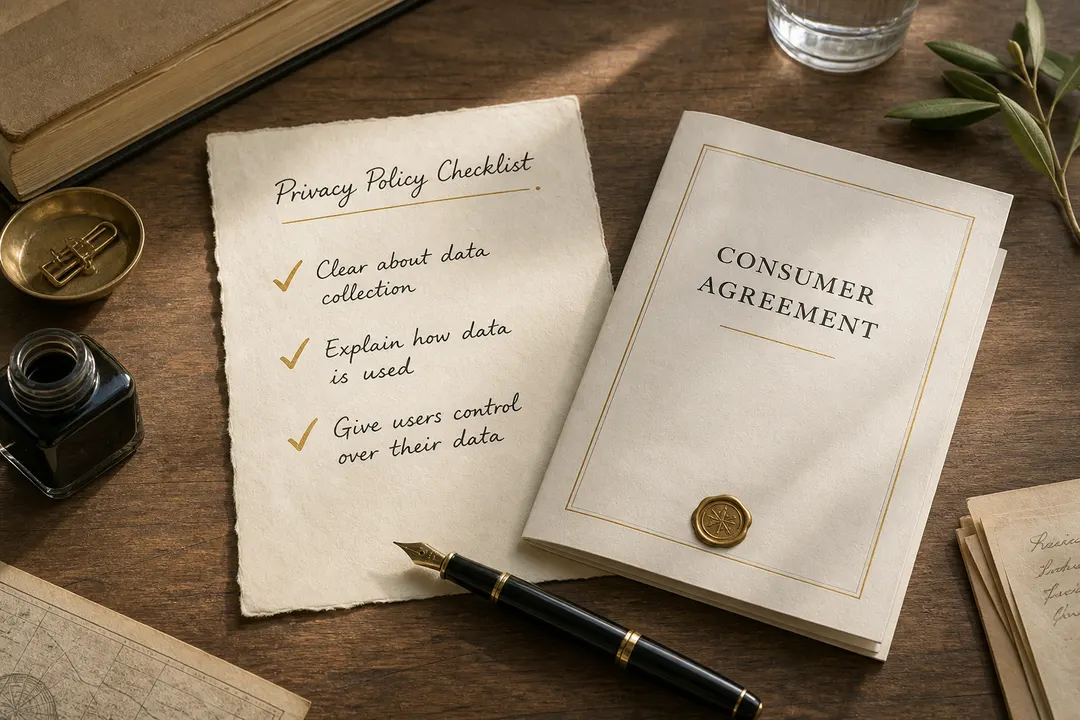
Agree is a bad time to start a novel
The Agree button shows up when you are trying to finish signup, not when you booked an afternoon for legal research. The honest move is a focused skim: a few patterns that usually affect money, recourse, or personal data—then decide if you still want the account.
Verbaterm’s library and glossary are built for that skim. Informational only. Not legal advice.
A four-point checklist
1. Money and renewals — Will this keep charging if you forget to cancel? Start at /glossary/auto-renewal.
2. Disputes — If something goes wrong, can you get to court with others, or only private arbitration? See /glossary/arbitration and /glossary/class-action-waiver.
3. Data — Can they sell or broadly share personal information beyond running the product? See /glossary/data-sale-sharing.
4. Future changes — Can they rewrite the deal later and treat continued use as acceptance? See /glossary/unilateral-amendment, and /blog/we-updated-our-terms when the email arrives.
Where to check without guessing
If the product is in the public library, open its published review and use the clause chips and clause radar. For a deeper starter on three of these patterns, read /blog/three-clauses-that-usually-matter. For how often those patterns currently appear across published reviews, see /blog/clause-patterns-in-our-library. Every visible finding still needs a verbatim citation: /blog/got-receipts.
If it is your own vendor agreement or an unpublished policy, paste the text for a private review. Follow services you already use so later material changes can surface without another cold read.